4/17/2026
How to Create Amazon Product Images That Convert
A practical framework to build product visuals for Amazon listings that increase click-through and conversion rates.

This case study starts from a single source image of the Echo Pop. From that single input, Visuora generated five conversion-focused visuals adapted to different messaging angles.
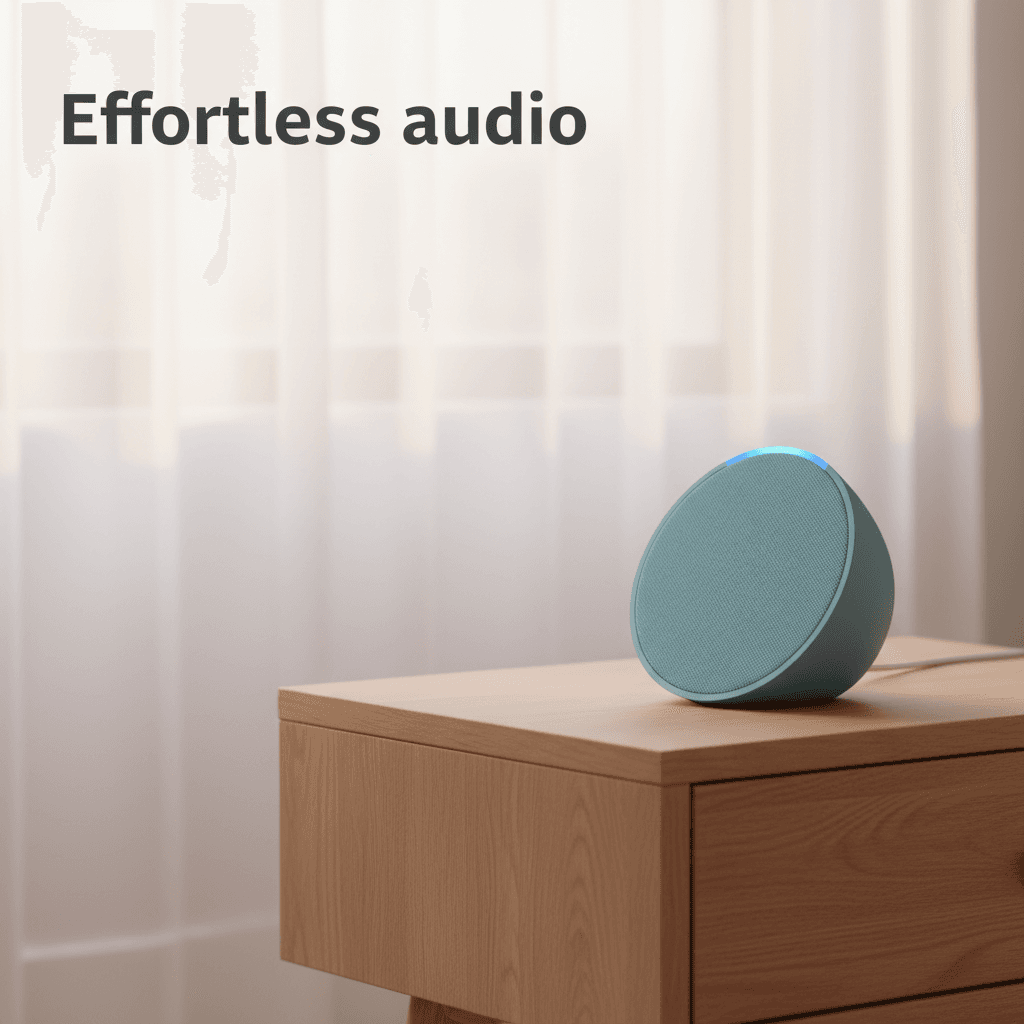
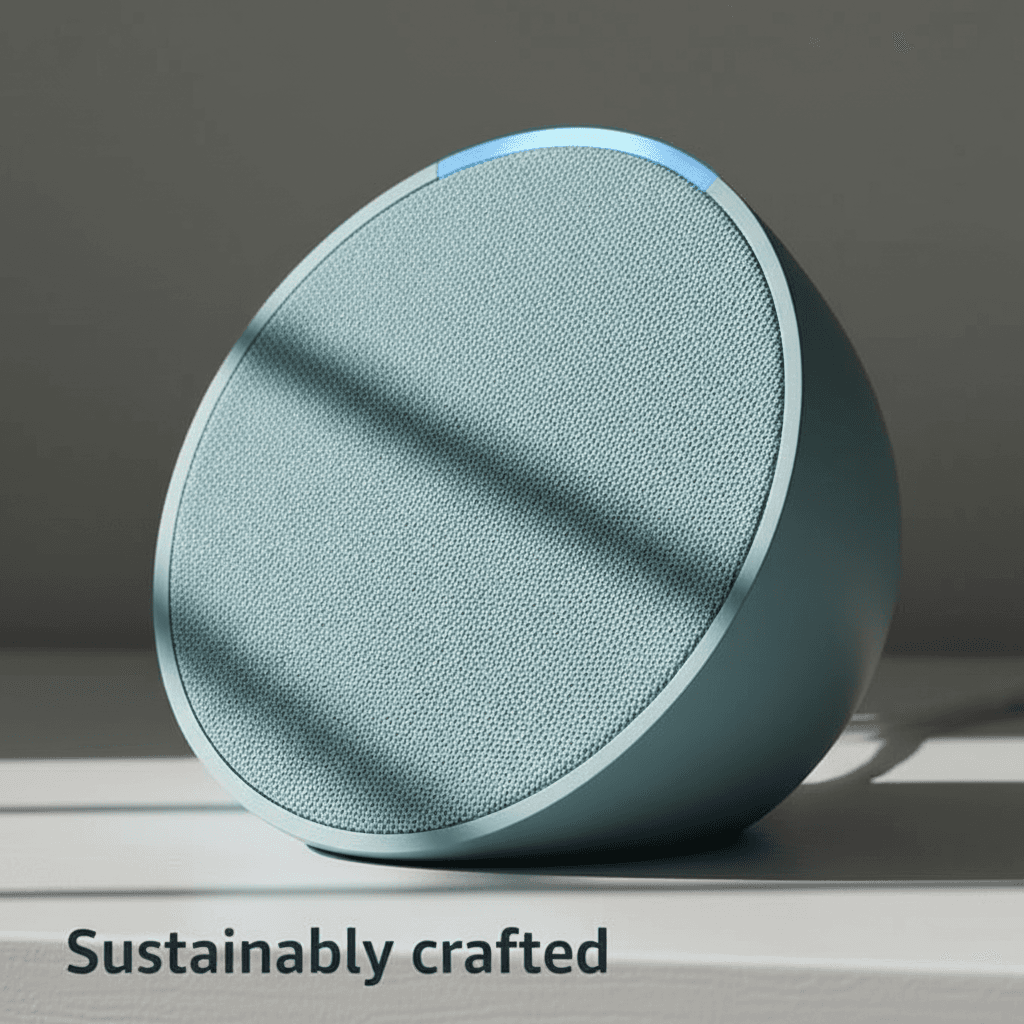
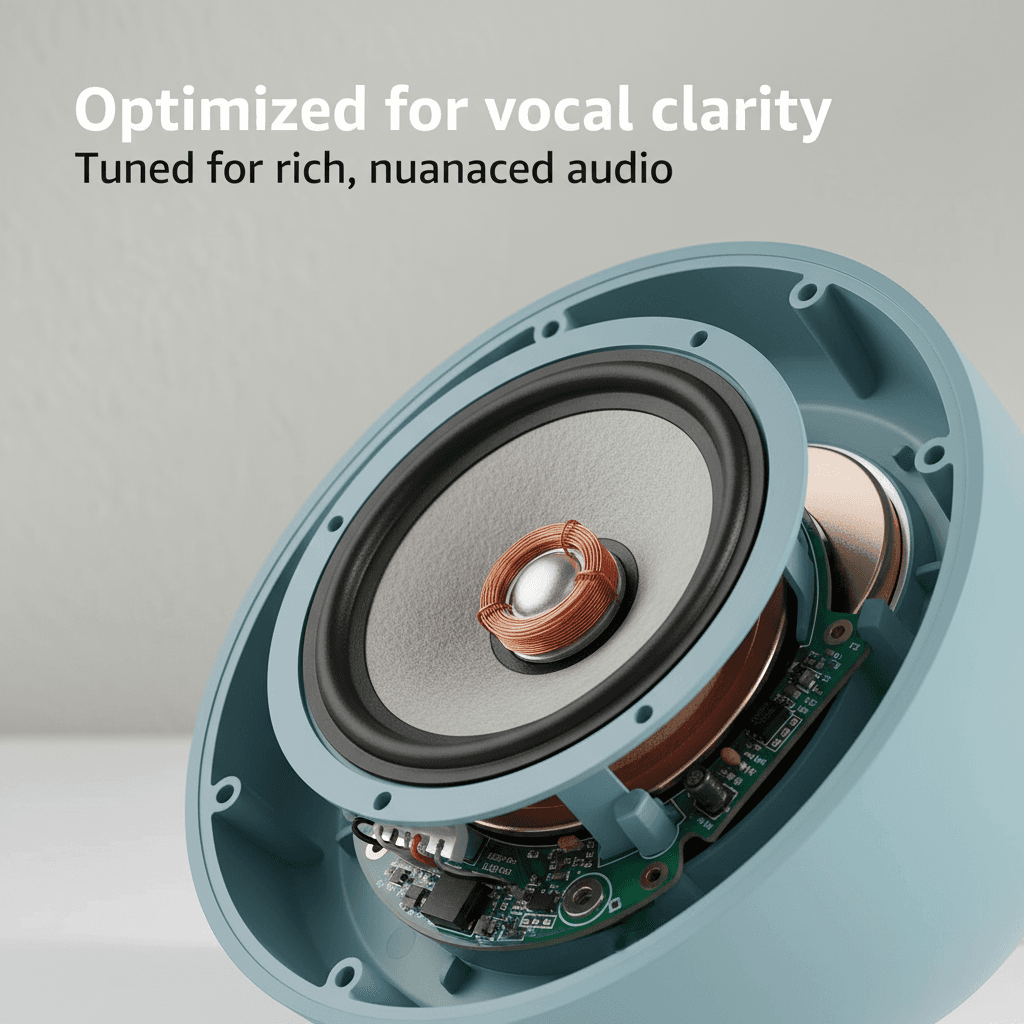
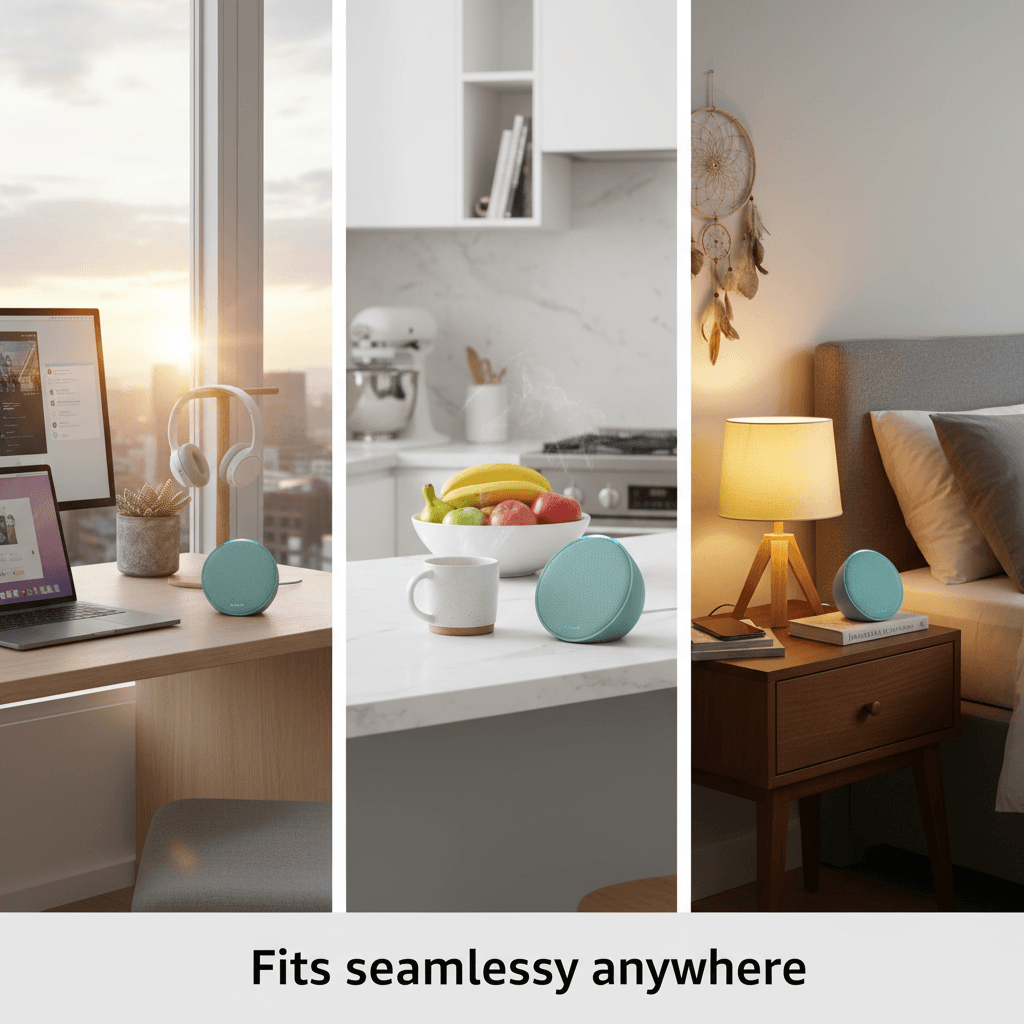
The generated set covers core e-commerce intents: effortless usage, voice interaction, build quality, technical clarity, and lifestyle context. This helps merchants test multiple hooks without a full photo production cycle.
Instead of producing random variations, the workflow keeps product identity consistent while changing scene composition and narrative. This is useful for marketplaces, ads, and product detail pages.
Use this as a template: one source image, one clear offer, then five visual messages tied to customer objections and value points.
Source image
Starting image used to trigger the generation workflow.
Generated visuals
Final outputs generated from the source image.

Turn this into action
Turn your product listing into conversion-ready visuals with Visuora.
Try Visuora